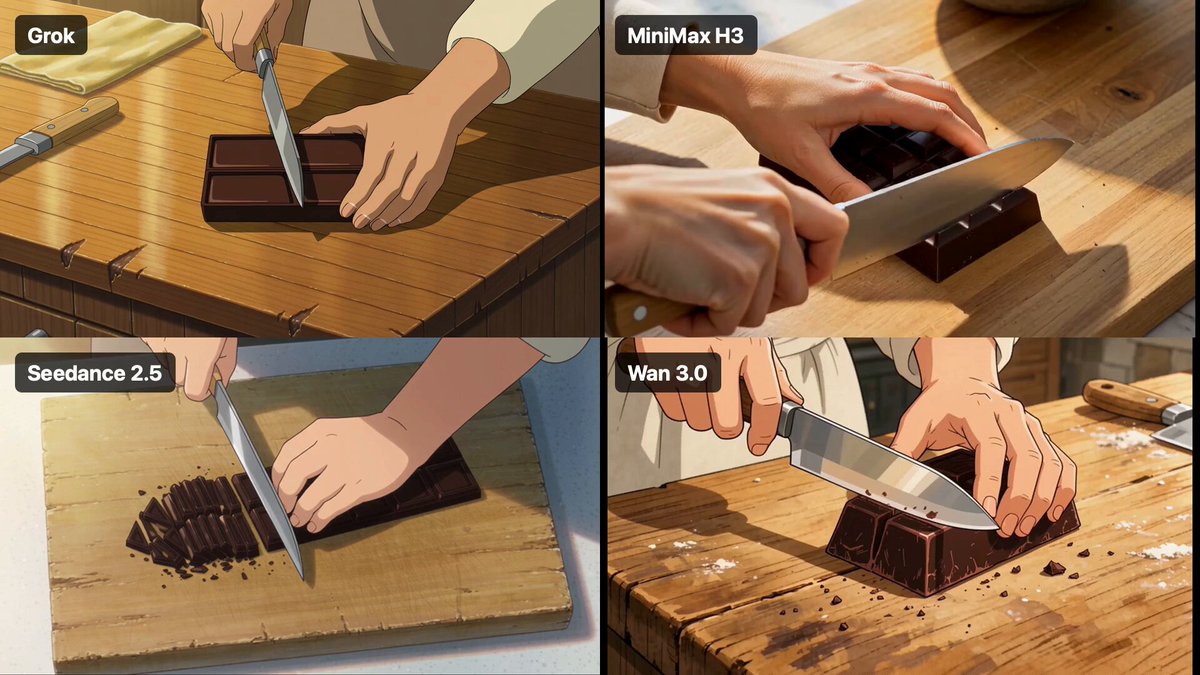
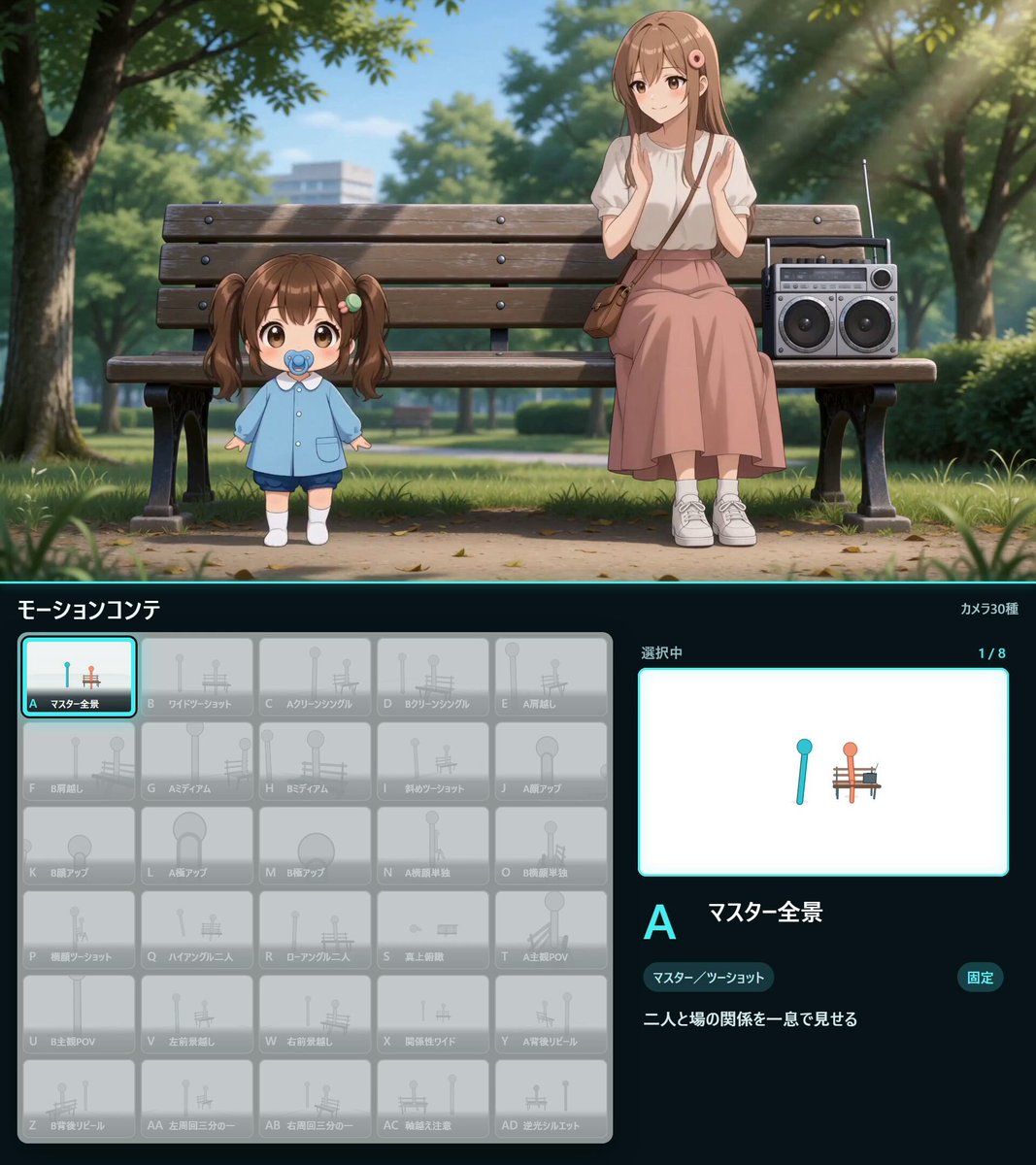
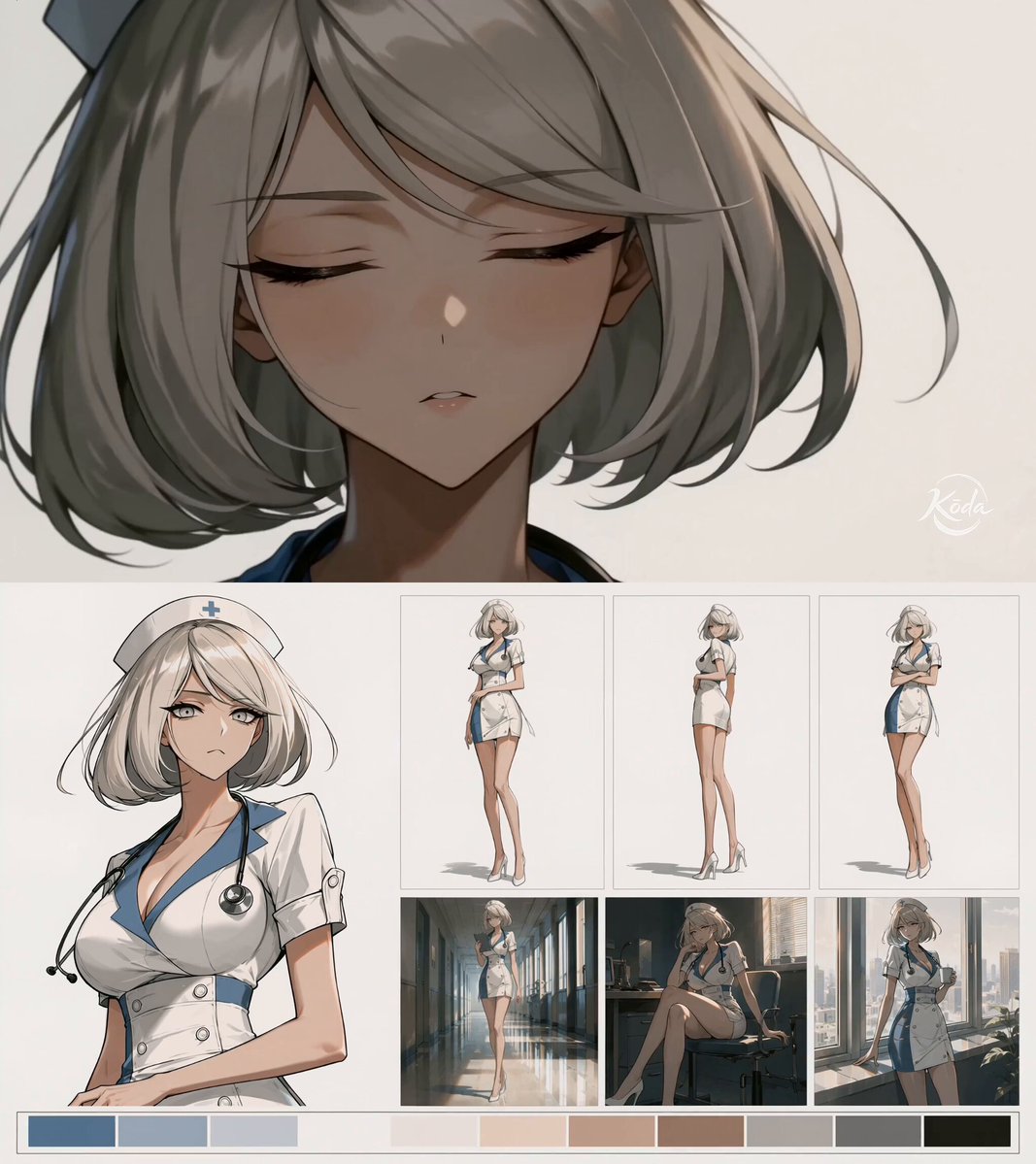
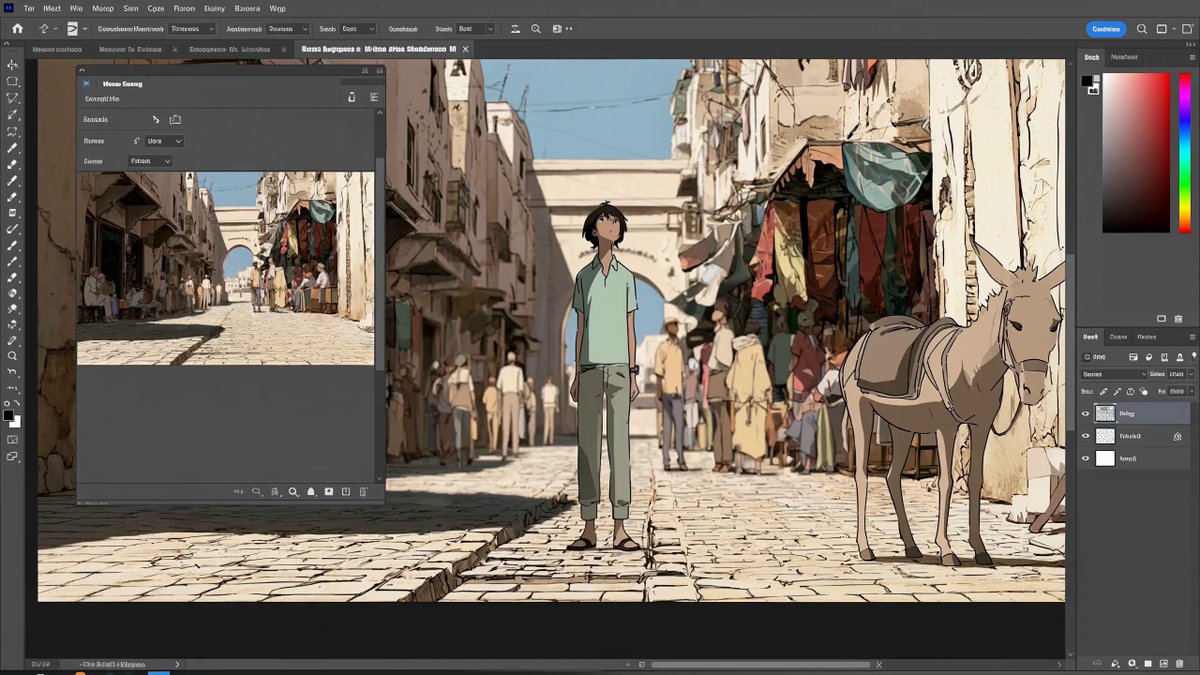
Character Creation Process Timelapse
Tutorial 2D Animation 2026-09-01
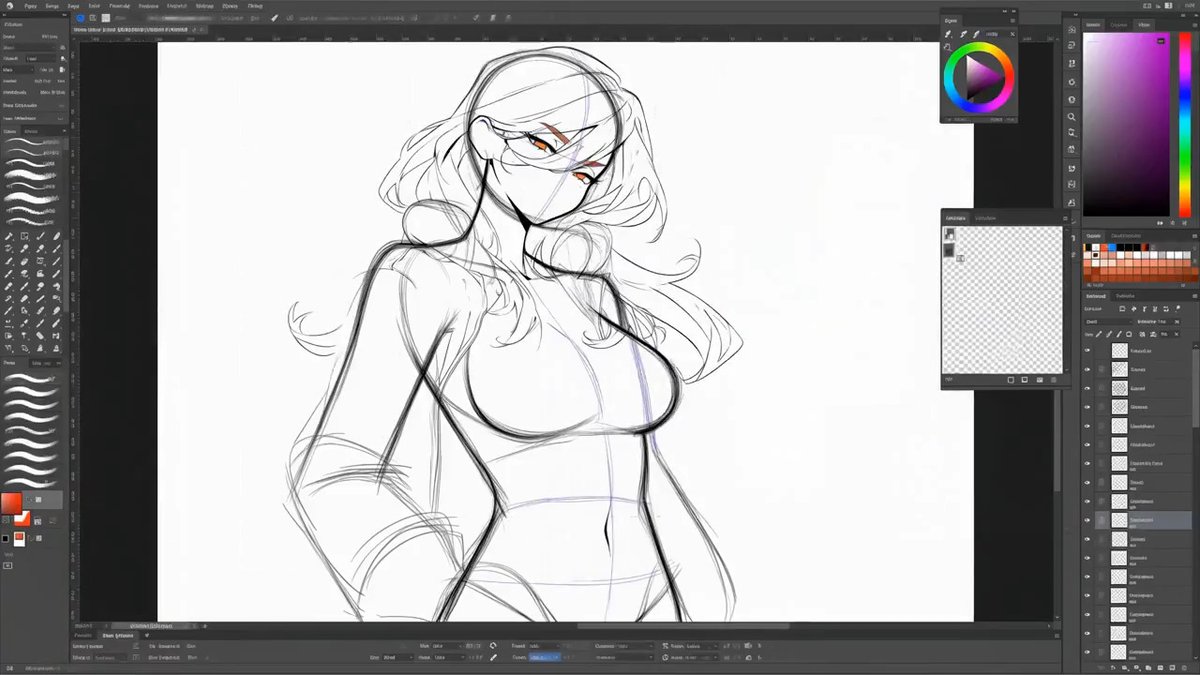
Footage © @aimikoda · View original post
The clip was published publicly by its creator and is linked here directly; rights holders may request removal.
Full prompt
🔥 If I tell you this is how I create my characters, don't believe me.

With this prompt, you can turn your character reference into a 15 second creation process video. From rough sketch to final render, the whole build comes together on screen inside a drawing UI.

MiniMax H3 - You can find the prompt below.

### Author's additions

[Addition 1]
🔥 If I tell you this is how I create my characters, don't believe me.

With this prompt, you can turn your character reference into a 15 second creation process video. From rough sketch to final render, the whole build comes together on screen inside a drawing UI.

MiniMax H3 - You can find the prompt below.

[Addition 2]
MiniMax H3 Prompt:
Create a 15-second fast-paced character creation timelapse inside a professional digital drawing and character design interface.

Use the provided character reference only as the final target for the character’s appearance, proportions, clothing, hairstyle, colors and distinctive features. The process must visibly start from a completely blank canvas and reconstruct the referenced character from scratch.

Show a visible mouse cursor actively controlling the entire creation process. Every major visual change should feel caused by cursor interaction with the UI.

0:00-0:02
Start on a blank white or neutral canvas inside a clean professional drawing interface. The cursor quickly creates the first loose construction lines, head shape, body proportions and basic pose using rough sketch strokes.

0:02-0:05
Accelerate into detailed sketching. The cursor rapidly defines the face, hair, anatomy, clothing silhouette, accessories and characteristic features of the referenced character. Use believable drawing gestures, short strokes, selections, transforms and occasional undo corrections.

0:05-0:08
The rough sketch becomes clean line art. The cursor switches tools, adjusts brush size and cleans the silhouette. Unnecessary construction lines disappear while precise facial details, clothing folds and small design elements are added.

0:08-0:11
Rapid coloring phase. The cursor selects regions and fills the character with the correct colors from the reference. Show quick palette selections, color picking, layer changes, clipping masks and brush passes. Add shadows, highlights and material details in fast succession.

0:11-0:13
Rendering and polish. The cursor adds final lighting, hair detail, skin shading, fabric texture, reflections and small accent details. Briefly zoom into important areas such as the face or costume while refining them, then zoom back out.

0:13-0:15
The interface clears unnecessary guides and panels. The finished character is shown fully rendered and closely matching the provided reference. End with the cursor making one final small adjustment, then stop on a clean full-character presentation.

STYLE:
High-speed digital art timelapse, polished professional character-design workflow, believable drawing software UI, smooth cursor movement, rapid but readable actions, clean layers and tool changes, no random text, no fake dialogue, no unrelated popups.

MOTION:
The entire 15 seconds should feel continuously productive. Avoid long pauses. Compress several minutes or hours of drawing into an energetic timelapse while keeping the progression clearly readable: blank canvas → rough sketch → clean line art → flat colors → shading → polished final character.

CAMERA:
Primarily screen-recording style with subtle digital zooms and pans following the cursor and active drawing area. Keep the UI stable and readable. Do not use cinematic cuts outside the software interface.

IMPORTANT:
The character must not appear instantly or through a single magical transformation. Every stage should visibly build upon the previous one through cursor-driven drawing, editing, coloring and rendering actions.
Details
| Target model | MiniMax H3 |
|---|---|
| Use case | Tutorial |
| Style | 2D Animation |
| Media | Video |
| Duration | 15.1s |
| Aspect ratio | 16:9 |
| Likes | 30 |
| Published | 2026-09-01 |
Attribution
Author: @aimikoda · View original post
Prompts remain the copyright of their authors. We index and quote them with attribution plus a link to the original post; rights holders may request removal.
Run this prompt through the API
Copy the prompt above into a MiniMax H3 (Hailuo) text-to-video call to reproduce the shot. When adapting it, swap subject, setting and camera move one clause at a time. Access and licensing details are on About.